
What are the top Microsoft 365 Copilot alternatives for mid-market firms?
The strongest Microsoft 365 Copilot alternatives for mid-market professional services firms are Claude, Google Gemini, and ChatGPT Team. Each wins a specific use case, and the right pick depends almost entirely on where your firm’s data and workflows already live.
Before comparing them, one distinction matters: Microsoft Copilot (the free consumer tool) and Microsoft 365 Copilot (the enterprise add-on) are different products. The enterprise version costs a per user monthly fee on top of an existing Microsoft 365 license and connects to your organizational data through Microsoft Graph. That distinction shapes every cost and ROI comparison below.
Here is where each alternative wins:
- Claude: Best for long-document work. It handles roughly 500 pages of text in a single conversation, which makes it the go-to for contract review, audit packs, and compliance documents. Microsoft 365 Copilot cannot match that depth on lengthy files.
- Google Gemini: Best for Google Workspace shops. It lives natively inside Gmail, Docs, Sheets, and Drive, and is bundled into Workspace Business tiers at no extra per-seat cost in many configurations. Switching to Microsoft 365 just to run Copilot rarely makes financial sense for these firms.
- ChatGPT Team: Best for cross-platform flexibility. At roughly $20–$30 per user per month without requiring an M365 license, it suits firms that span multiple ecosystems or want a capable general assistant without the full Microsoft stack.
- Microsoft 365 Copilot: Still the strongest choice for firms already living in Outlook, Word, Excel, and Teams. The in-app integration and agentic AI workflows via Microsoft Graph are unmatched for M365-native knowledge workers.
Security posture differs meaningfully across these tools. Microsoft 365 Copilot stays within your M365 tenant and honors existing Purview compliance controls. ChatGPT Team and Claude Team exclude your data from model training. Gemini follows Google Workspace data terms. For law firms and accounting practices with strict data governance requirements, that distinction drives the decision as much as features do.
Table of Contents
- How do Microsoft 365 Copilot and its alternatives compare?
- How do you maximize adoption and ROI with Copilot and its alternatives?
- How does Zera.ai help firms get real ROI from Microsoft 365 Copilot?
- Key Takeaways
- Gozera turns idle Copilot licenses into billable productivity
How do Microsoft 365 Copilot and its alternatives compare?
The decision between Copilot and its competitors comes down to ecosystem fit, cost structure, and the type of work your teams actually do. A firm where attorneys spend their day in Word and Outlook gets a fundamentally different ROI than one where consultants bounce between Google Docs, Slack, and browser-based tools.

| Tool | Best For | Ecosystem Integration | Context Window | Cost (per user/month) | Workflow Fit | ROI Impact |
|---|---|---|---|---|---|---|
| Microsoft 365 Copilot | M365-native knowledge workers | Deep: Outlook, Word, Excel, Teams, SharePoint | Active file + Graph search | ~$30 add-on (M365 license required) | Native in-app; no context switching | High for M365-heavy users; low if licenses sit idle |
| Zera.ai | Firms needing Copilot adoption and ROI optimization | Microsoft 365 consulting layer; Python and n8n automation | Telemetry-driven; no fixed window | Fixed-price engagements | Rebuilds workflows around Copilot; closes automation gaps | Measurable ROI via billable time recovery |
| Claude | Long documents, contracts, audit packs | Connectors to M365, Slack, Drive | roughly 500 pages | roughly $25–$30 per user per month | Browser-based; manual context switching | High for document-heavy regulated work |
| Google Gemini | Google Workspace organizations | Native: Gmail, Docs, Sheets, Drive, Meet | Standard LLM context | Bundled in Workspace Business tiers | In-app for Google stack; friction for M365 files | High for Workspace-native teams; low migration cost |
| ChatGPT Team | Cross-platform, general-purpose AI | Platform-agnostic; connectors for SharePoint, Drive, GitHub | Strong general reasoning | ~$20–$30 (no M365 required) | Browser-based; requires connectors for deep integration | Good general ROI; manual context switching offsets savings |
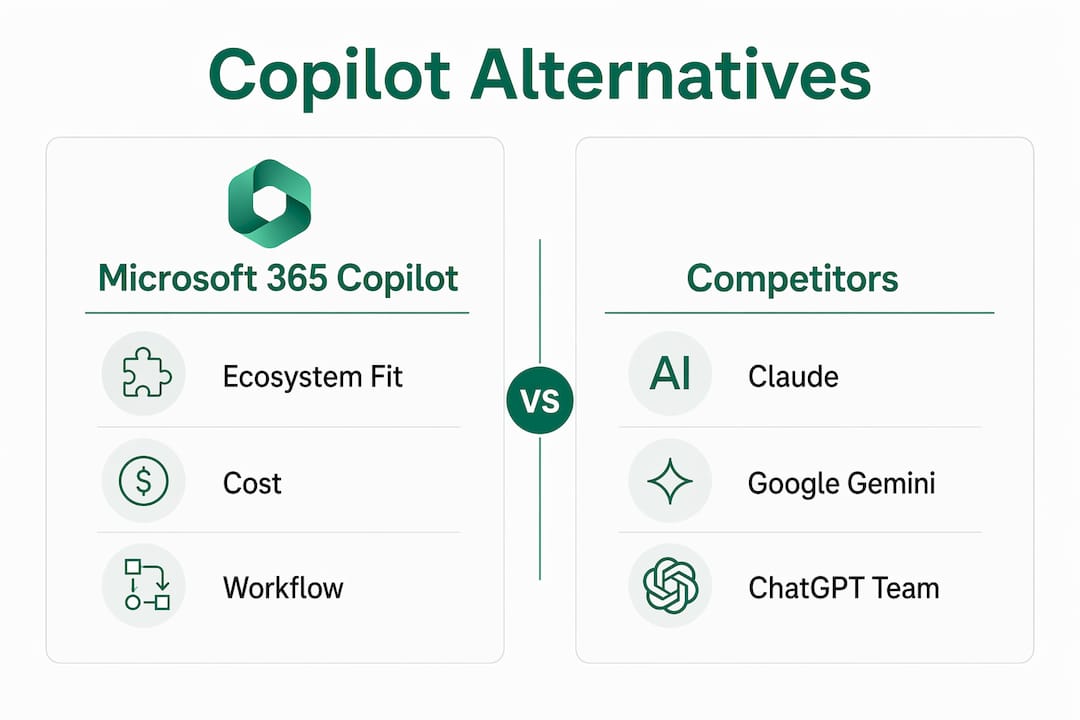
One cost trap deserves attention. Switching to a less expensive alternative can look attractive on a per-seat basis, but manual context switching between systems erodes the productivity gains that justified the AI investment in the first place. A paralegal who copies text from Claude into a Word document to finish a brief has not saved time. That friction is the hidden cost most license comparisons ignore.
For firms evaluating Microsoft 365 Copilot license options, the total all-in cost for a Business Standard seat runs closer to $42 per user per month once the base plan is included.
How do you maximize adoption and ROI with Copilot and its alternatives?
Most adoption failures trace back to one root cause: the AI has nothing useful to work with. Disorganized SharePoint libraries, untagged documents, and inconsistent naming conventions produce poor AI output regardless of which tool you deploy. Treating internal data cleanup as part of the AI rollout, not as a separate IT maintenance task, is the single highest-leverage preparation step.
Beyond data hygiene, these practices move the needle for mid-market professional services firms:
- Measure actual usage first. Telemetry data reveals which licenses are dormant and which workflows are generating real productivity gains. Without a baseline, you cannot know whether your investment is working.
- Rebuild workflows around the AI, not the other way around. Embedding Copilot into the apps your teams already use, Outlook for email triage, Word for document drafting, Excel for financial analysis, eliminates the context switching that kills ROI. Read more on Copilot workflow design for professional services.
- Close automation gaps with complementary tools. Python scripting and n8n automation handle tasks that Copilot cannot, such as pulling data from external systems or triggering multi-step processes across platforms.
- Train for specific tasks, not general AI use. A 30-minute session showing a billing associate exactly how to use Copilot to draft a client update from meeting notes lands better than a broad “AI literacy” program.
- Tag and organize SharePoint libraries before go-live. Copilot’s Microsoft Graph grounding only works well when the underlying content is findable. Poor tagging means the AI returns generic answers instead of firm-specific ones.
Pro Tip: The biggest ROI gap between Microsoft 365 Copilot and query-response alternatives like Claude or ChatGPT Team is “Agentic Work.” Copilot can autonomously traverse Microsoft Graph, pulling context from your emails, meetings, and documents to generate outputs without you manually feeding it information. That capability, described in Microsoft’s adoption guidance, is what separates a productivity multiplier from a slightly faster search box.
For a deeper look at measuring Copilot ROI, the key metrics are recovered billable hours, reduction in time spent on routine drafting and summarization, and license utilization rate. Firms that track all three can make a defensible business case for continued investment, or identify which licenses to reallocate.
Understanding Microsoft 365 team collaboration benefits also helps frame the ROI conversation with managing partners who want outcomes, not feature lists.
How does Zera.ai help firms get real ROI from Microsoft 365 Copilot?
Most mid-market firms that buy Microsoft 365 Copilot licenses see a familiar pattern: initial enthusiasm, a few power users who love it, and a large portion of seats that go untouched within 60 days. Gozera’s consulting practice exists specifically to fix that.
Gozera uses telemetry-driven audits to identify exactly which licenses are dormant and why. From there, the team rebuilds workflows with Copilot embedded at the points where it recovers the most billable time, whether that is contract summarization for a law firm, financial report drafting for an accounting practice, or proposal generation for a consulting team. Automation gaps that Copilot cannot fill natively get closed with Python and n8n integrations.
What firms can expect from a Gozera engagement:
- A usage audit that shows actual Copilot activity versus licensed seats, with a clear picture of where money is being wasted
- Workflow rebuilds targeting the highest-value tasks in your specific practice area
- Automation of repetitive processes that currently require manual data movement between systems
- ROI reporting tied to recovered billable time, not vanity metrics
- Ongoing optimization retainers that adjust as Microsoft releases new Copilot capabilities
Gozera’s fixed-price engagement model means no open-ended consulting bills. Led by Cale Werake, whose background spans enterprise governance and hands-on AI development, the firm brings a level of technical depth that most generalist IT consultants cannot match for professional services workflows. For firms committed to Microsoft 365 as their primary platform, Gozera is the partner that turns a licensing cost into a measurable productivity asset.
Key Takeaways
The right Microsoft 365 Copilot alternative depends on where your firm’s data lives, not on which AI model scores highest on benchmarks.
| Point | Details |
|---|---|
| Ecosystem fit drives the decision | Choose Copilot for M365-native workflows, Gemini for Google Workspace, Claude for long documents, and ChatGPT Team for cross-platform flexibility. |
| Hidden costs erode savings | Manual context switching between browser-based AI and M365 apps offsets per-seat cost savings from cheaper alternatives. |
| Data hygiene is a prerequisite | Disorganized SharePoint libraries reduce AI output quality for any tool; clean and tag content before deployment. |
| Measure usage before optimizing | Telemetry audits reveal dormant licenses and identify which workflows are generating real productivity gains. |
| Gozera for Copilot ROI | Gozera’s fixed-price consulting audits license utilization, rebuilds workflows, and closes automation gaps to recover billable time for mid-market professional services firms. |
Gozera turns idle Copilot licenses into billable productivity
If you have already bought Microsoft 365 Copilot licenses and are not seeing the returns you expected, the problem is almost never the tool. It is the gap between what Copilot can do and how your workflows are actually set up to use it.

Gozera works with law firms, accounting practices, and consulting teams to close that gap fast. A telemetry audit shows exactly which licenses are sitting idle. Workflow rebuilds embed Copilot where it recovers the most billable time. Python and n8n automation handle the gaps Copilot cannot fill natively. The result is a defensible ROI number, not a slide deck about AI potential.
Fixed-price engagements mean you know the cost upfront. No lengthy change management programs, no open-ended retainers until you see results. If your firm is ready to turn a licensing expense into a measurable productivity gain, book a Copilot ROI audit with Gozera today.